
How to Choose the Best CMS for Small Business Websites
Building a small business website is exciting but choosing the right content management system can feel confusing. There are many platforms, each promising easy editing, better design and simple growth. The real question is not which platform is the most popular. It is which one fits your business, budget, skills and future plans.
The Best CMS for small business should make website management easier, not create more work. You should be able to update pages, publish blogs, change images, add products and manage basic settings without calling a developer for every task.
How to Find the Best CMS for Small Business Websites
Start With What Your Business Needs
Before comparing different platforms, first understand what your website actually needs to do. A local service business may need something very different from an online store or a company that publishes content regularly.
The Best CMS for small business should support your present needs while leaving enough room for future growth. Before making a choice, think about whether your website needs:
-
Service and location pages
-
Regular blog publishing
-
Online appointment booking
-
Contact and enquiry forms
-
Online payments
-
Product and inventory management
-
Customer login accounts
-
Multiple users or team access
-
Social media and marketing integrations
-
New features as the business grows
Once these needs are clear, comparing CMS platforms becomes much easier. You can focus on useful features instead of paying for tools your business may never use.
Make Ease of Use a Priority
A CMS should not turn every small update into a technical project. Business owners often need to change offers, upload photos, edit text or publish a page quickly.
When looking for the Best CMS for small business, test the dashboard before making a decision. Check whether the editor feels clear and whether common tasks can be completed without coding.
A simple system saves time and gives your team more control. Fancy features are not useful if nobody knows how to use them.
Look at Design Flexibility
Your website represents your business, so it should not look like every other site in your industry. The CMS should let you adjust layouts, fonts, images, menus, landing pages and calls to action.
The Best CMS for small business should support a professional design without making future edits difficult. Templates can help you get started but the platform should still allow customisation as your brand grows.
Also check how service pages, blogs, contact forms and mobile menus look. Good flexibility helps the whole website feel consistent.
Check the SEO Features
A beautiful website will not help much if potential customers cannot discover it through search engines. Your CMS should therefore make everyday SEO tasks simple without requiring technical knowledge for every small change.
The Best CMS for small business should make it easy to manage important SEO elements such as:
-
SEO friendly page URLs
-
Page titles and meta descriptions
-
Proper heading structure
-
Image alt text
-
Internal links
-
XML sitemaps
-
Page redirects
-
Schema markup support
-
Mobile friendly pages
-
Website speed optimisation
-
SEO plugin or tool integrations
These features give you a stronger foundation for improving search visibility over time. SEO is not something you set once and forget, so choosing a CMS that makes regular optimisation easy can save plenty of time later.
Think About Security and Updates
Security is easy to ignore until something goes wrong. A business website may collect customer enquiries, login information, contact details or payments.
The Best CMS for small business should receive regular updates and offer reliable security options. Check how backups, user permissions, spam protection, software updates and security monitoring are handled.
Hosted platforms may manage much of this work for you. Open source systems can offer more control but they also need proper maintenance.
Understand the Real Cost
Do not choose a platform only because its starting price looks cheap. Website costs may include hosting, themes, plugins, apps, developer support, maintenance, security and transaction charges.
The Best CMS for small business should fit your long term budget, not just the first month. Compare the yearly cost and see which features are included.
Sometimes a slightly more expensive platform saves money because it reduces development work. Paying for features you never use, however, is simply wasted money.
Make Sure It Can Grow With You
Your website may be small today but your business may add new services, locations, products, languages, tools or team members later.
The Best CMS for small business should let you expand without rebuilding everything from scratch. Look at integrations, plugin or app availability, user management, e commerce support and options for adding new page types.
It is also smart to check how easy it is to move your content if you ever change platforms.
Compare Popular CMS Options
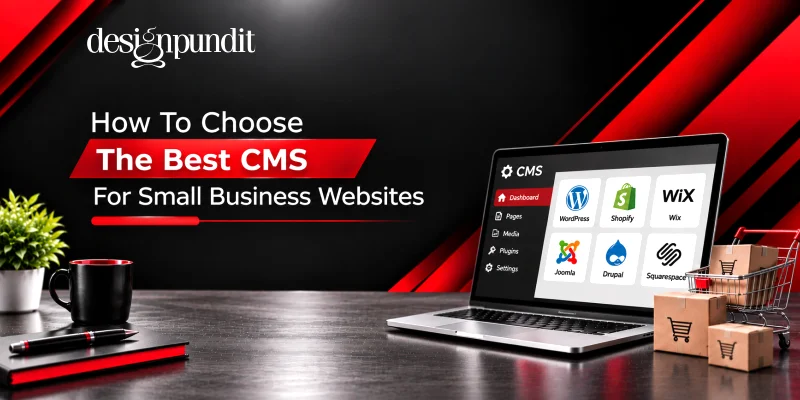
WordPress is popular because it offers strong design flexibility, many plugins, blogging tools and useful SEO options. It can work for simple websites as well as larger custom projects, although regular maintenance is important.
Shopify is mainly built for e commerce and works well for businesses focused on selling products online. Wix and Squarespace offer visual editors and simple setup, which can suit smaller websites that do not need heavy custom development.
The Best CMS for small business is therefore not automatically WordPress, Shopify, Wix or any other platform. The right choice depends on how your business works and what you expect from your website.
Conclusion
Choosing a CMS becomes easier when you stop looking for the platform with the longest feature list and focus on what fits your business. Consider ease of use, design flexibility, SEO, security, cost, integrations and future growth before making the final decision.
If you need a flexible and customised WordPress website, working with an experienced wordpress web development company can make planning, development, security and ongoing management easier.
Design Pundit helps businesses choose and build website solutions around real goals instead of forcing every company into the same setup.